Tired Of 'No Slots Available'? This Is How People Are Actually Getting Passport Appointments In 2026
Updated: 16-07-2026 at 12:30 PM


1k
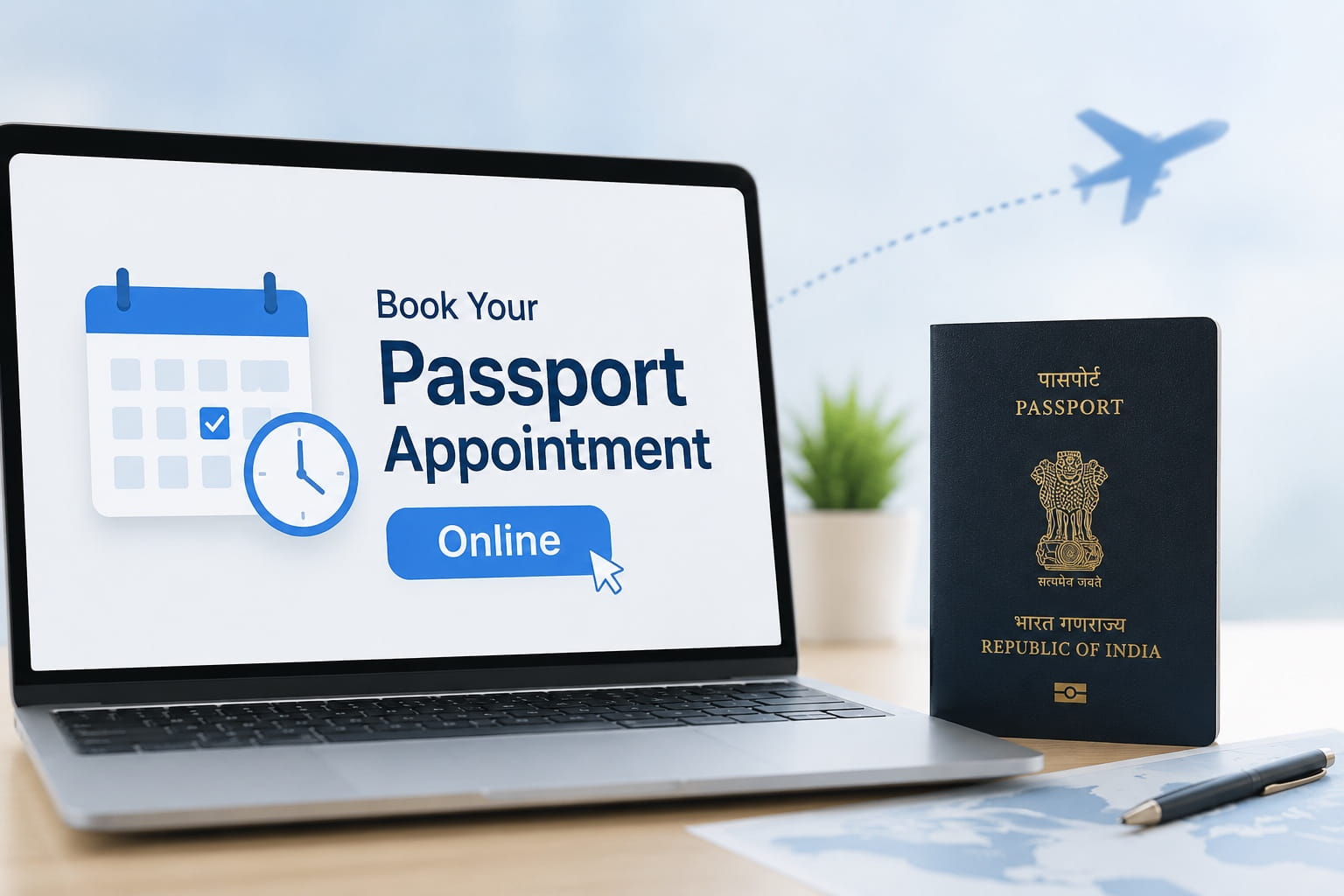



The Passport Seva Programme of the Ministry of External Affairs (MEA), Govt. of India, has taken the passport booking process fully digital. Applicants are required to register on the portal and submit the application form, pay the fee, and book an appointment at the desired passport office.
Appointments are made on a first-come, first-served basis, meaning that slots can get booked quickly at busy times of travel or on Tatkal requests. Thus, applicants need to fill out the application form thoroughly and make an appointment as early as possible.
This article covers everything you need to know about passport appointments, from who's eligible to what to bring, how much the appointment will cost, how to reschedule, how to cancel, and important tips.
Overview Of Passport Online Appointment Booking
The table below highlights the key insights of the passport appointment booking process:-
| Particular | Details |
|---|---|
| Service Name | Passport Online Appointment Booking |
| Administered By | Ministry of External Affairs (MEA), Government of India |
| Portal | Passport Seva Portal |
| Appointment Required For | Fresh Passport, Passport Reissue, Tatkal Passport, Police Clearance Certificate (PCC) and other passport services. |
| Mode of Booking | Online |
| Appointment Booking Requirement | Applicable after successful submission of the application and payment of the prescribed fee. |
| Appointment Location | Passport Seva Kendra (PSK) or Post Office Passport Seva Kendra (POPSK). |
| Appointment Availability | Subject to slot availability |
| Official Website | Passport Seva Portal |
Also Read: What To Know About The Recently Announced New e-Passports?
What Is A Passport Online Appointment?
Passport Online Appointment is a pre-booked visit to a Passport Seva Kendra (PSK) or Post Office Passport Seva Kendra (POPSK) to submit the documents, capture biometrics, and process the application. It guarantees formal treatment of applicants, efficient and orderly processing at Passport Offices and does not lead to overcrowding of Passport Offices.
Generally, it is not possible to visit the Passport Seva Kendra without an appointment. They have to go through this online application process first, pay the required fee and book an appointment on the Passport Seva Portal.
In addition, it is possible to request an appointment beforehand so that applicants can then plan a convenient date and appointment time, depending on the availability of appointments at their desired passport office.
Who Needs To Book A Passport Appointment?
Applicants are required to check the service category that is applicable to their booking before they book an appointment to ensure that the application type they book is the right one. Generally, appointments are required for the following services:
-
Fresh passport applications.
-
Passport reissue or renewal applications.
-
Tatkal passport applications.
-
Applications for a Police Clearance Certificate (PCC).
-
Passports that have been lost, stolen, or damaged.
-
Correction or change of personal particulars in a passport.
-
Passport services for other purposes that require physical verification.
Prerequisites Before Booking A Passport Appointment
Applicants are requested to do some preliminary tasks before the appointment to prevent interruption during the application process. Ensuring that all information and appropriate documents are on hand will assist in the proper and timely completion of the application for booking an appointment.
-
A valid cell phone and email are available for registration and communication.
-
All required supporting documents are ready for reference while completing the application form.
-
The correct passport service category has been identified.
-
The prescribed passport application fee has been paid successfully.
-
The online application window is available to complete uninterruptedly with internet connectivity.
How To Register On The Passport Seva Portal?
Once the activation is done, the applicants can log in and proceed to complete the passport application and appointment booking work. The basic steps to register on the Passport Seva Portal are given here:
Step 1: Visit the official Seva Portal of the Passport Office and click on the option “New User Registration”.
Step 2: Choose the location of the Passport Office that is nearest to your current address.
Step 3: Fill the registration form accurately, mentioning the mandatory details and the other information required.
Step 4: After this, create a new username and a good password in the way mentioned on the Portal.
Step 5: Complete the process of verification; now click on the activation link that you receive on the registered email.
Step 6: After it has been verified, log in to the Passport Seva Portal using your user ID and password.
How To Book A Passport Appointment Online?
After you finish the registration on the Passport Seva Portal, the next part is to do the passport form and then book an appointment. For scheduling the passport meeting, go to the website of your state department and follow the steps below.
Step 1: First, log in to your account using the registered ID, along with your password.
Step 2: On this page, you have to choose your service from a dropdown menu, like a new
passport, passport reissue, tatkal passport service, or Police Clearance Verification
Service (PCC).
Step 3: You will also need to enter several personal details, along with your residence
Info and identity verification details.
Step 4: Then make the payment using any option shown on the site. As soon as the
Payment is done, and the appointment gets confirmed.
Step 5: Choose the nearest place, either PSK or the Post Office Passport Seva Kendra
(POPSK), and then look for slot availability.
Step 6: Now, from the dates that appear on the website, select a time that fits you.
Step 7: Finally, recheck all the details carefully and lock in the appointment.
Also Read: Major Amendments in Passport Rules 1980.
What Happens After Booking The Appointment?
Upon successfully booking your appointment on the Passport Seva Portal, you will receive your Appointment Confirmation Receipt with some other important information as below:
-
To start, check the Appointment Confirmation Receipt, download it or make a copy of it immediately after booking the appointment.
-
Confirm the date, time, and the Passport Seva Kendra stated on the receipt.
-
When visiting the passport office, you need to carry the Appointment Reference Number (ARN).
-
Ensure that you have kept all the original documents and their photocopies bearing your signature, ready before the appointment day.
How To Check Passport Appointment Availability?
Once you complete the online application process and pay the relevant application fee, the next step is for applicants to confirm the availability of appointments immediately. Here are the steps involved:
Step 1: Use your registered Login ID and password to log in.
Step 2: Choose the passport application for which you wish to secure an appointment.
Step 3: Select the scheduling appointment link that is available within your application.
Step 4: Choose the Passport Seva Kendra (PSK) or Post Office Passport Seva Kendra (POPSK) of your choice.
Step 5: The portal will display the available date and time slots for the passport office you selected.
Step 6: Select your appointment date and click to confirm the appointment information.
How To Download The Passport Appointment Receipt?
Candidates should carry both physical and virtual documents of the appointment letter as well as the Passport Seva Kendra. Below are the steps to obtain confirmation for the appointment.
Step 1: Login at the portal using the prescribed username and password.
Step 2: Click the passport application linked to the appointment already secured.
Step 3: During your search, you will find an option to print or download the appointment letter.
Step 4: Keep it for reference.
How To Reschedule A Passport Appointment?
If by any chance you encounter an unavoidable situation, this portal could provide you with an option to reschedule the appointment, provided that you can choose from the available slots. Follow the steps mentioned below to reschedule your Passport appointment.
Step 1: Sign in using the credentials you have already registered.
Step 2: Select the application for which you want to reschedule the appointment.
Step 3: From the portal options, choose the Rescheduling option.
Step 4: Pick the next available date and time for your appointment at the Passport Seva Kendra of your choice.
Step 5: Verify the appointment details once more and reconfirm.
Step 6: Save or print the confirmation of your appointment.
How To Cancel A Passport Appointment?
In case anyone wishes to cancel his appointment, he can do so through the Passport Seva Portal.
Step 1: Sign in to your registered account.
Step 2: Open the application associated with the appointment.
Step 3: Click the cancellation option available on the portal.
Step 4: Make sure that you check the details carefully and accept the cancellation request.
Step 5: Do remember to keep the print or soft copy of your cancellation acknowledgement letter.
How To Book A Tatkal Passport Appointment?
Now, in case you need your passport on an urgent basis, you can fill out your application under the Tatkal Scheme. The process for booking an appointment is somewhat similar to the normal passport application process, but the important thing to remember is to select the Tatkal option while filling out the application form. In addition to this, you will also be required to pay the Tatkal fee, along with the normal fee.
Step 1: Access your Passport Seva account.
Step 2: Choose the proper Tatkal passport application type.
Step 3: Fill in your details accurately.
Step 4: Make your passport payment as well as the Tatkal payment.
Step 5: Select the date for your Tatkal appointment at the Passport Seva centre.
Step 6: Make a note of your appointment so that you can find it in the future.
Also Read: Fake Passport Scam In Bengal: DGP Calls For Overhaul Of Verification System.
Documents Required During The Passport Appointment
On the day of the appointment, the applicant will be required to bring all the necessary documents to the Passport Seva Kendra. Although certain details are submitted online, Passport Seva officials verify the original documents before processing the application.
-
Appointment Confirmation Receipt or Application Reference Number (ARN).
-
A birth certificate or evidence of a birth date.
-
Passport, if applying for a passport reissue.
-
Self-attested photocopies of all supporting documents.
-
Other documents that are valid for the chosen passport service.
Conclusion
Booking a passport appointment online is basically a key step for getting passport-related services in India. No matter if you are going for a fresh passport, passport reissue, a Tatkal passport or a Police Clearance Certificate (PCC), the online application has to be finished, the prescribed fee needs to be paid, and the appointment should be attended with the required documents. This kind of sequence is crucial for the processing to go through properly.
Applicants should really double-check every detail before submitting, book the appointment well in advance and bring all original documents for verification. Also, keeping up with the newest Passport Seva guidelines and sticking to the required steps can make the whole passport application experience smoother and less stressful overall.
Why Choose Jaagruk Bharat To Apply For A Passport?
Applying for a passport online through Jaagruk Bharat makes the process simple, convenient and hassle-free. From assisting with the online application and document checklist to helping you understand the applicable fees and appointment process, Jaagruk Bharat provides reliable guidance at every step. This helps applicants complete their passport application accurately and avoid common errors that may lead to delays.
Get the latest updates on government schemes and policies with Jaagruk Bharat. Join India's biggest Jaagruk Bharat community. Share your thoughts, questions, and favourite topics with us.
0

0
1k
0
0
1k Views
0

No comments available